
Real-world training for when your content actually needs to work.
Camera & Phone Skills
Shot and edited on iPhone 15 Pro Max in Morocco
There are more phones in the world than there are people.
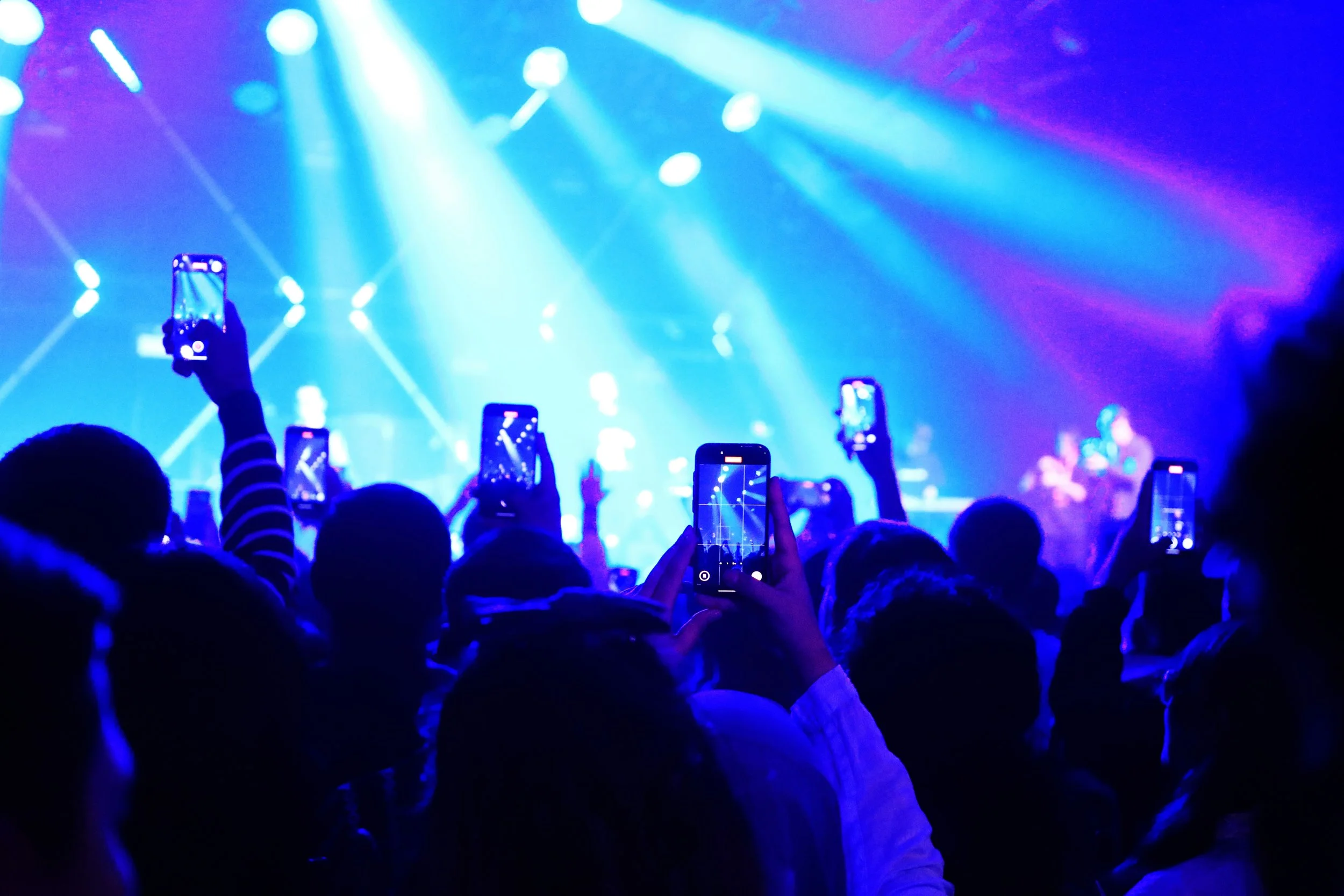
But if everyone’s now got a camera why are so few of us making anything worth watching?
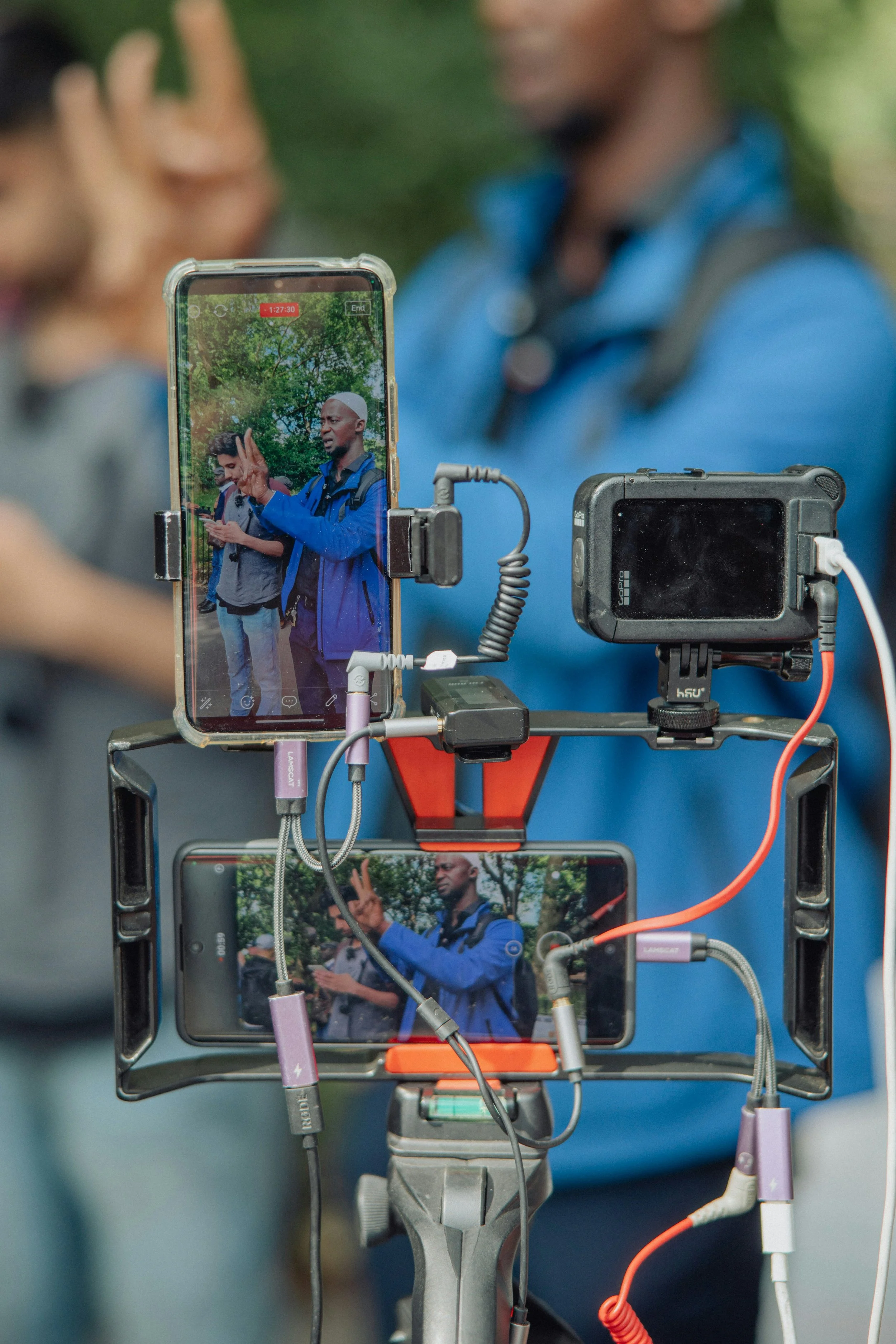
Here’s the reality:
It’s what you film that matters — not what you film it on.
Give a good camera to someone who doesn’t know what they’re doing,
and you’ll still get something unwatchable.
Get the basics right, and even a basic phone can produce something that works.
(Almost) Any Phone Can Be A TV Camera.
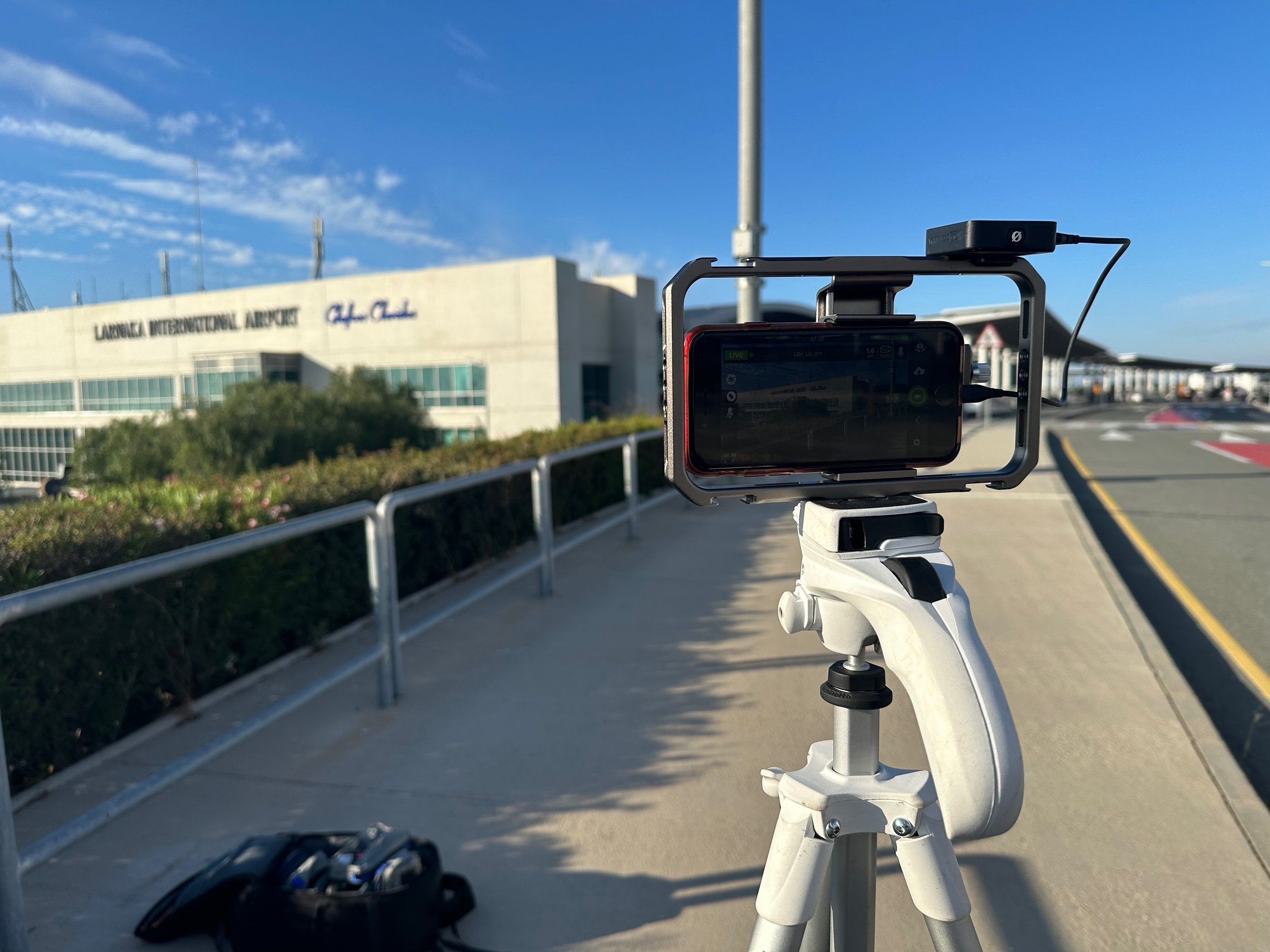
This was a live broadcast on BBC Breakfast News.
The camera crew was stuck on the motorway so Nick Garnett had to get on the air on his own using a five year old, bottom of the range, iPhone SE and two cheap lights.
Yes, you have to know what to do with it but any* camera can get on air.
*almost!
We focus on the things that actually make a difference:
What to shoot (and what not to)
How to frame properly
How to get stable, usable footage
How to record clean audio in real conditions
How to film interviews that hold attention
How to build sequences that tell a story
This isn’t about making something look “nice”.
It’s about making something people actually watch.
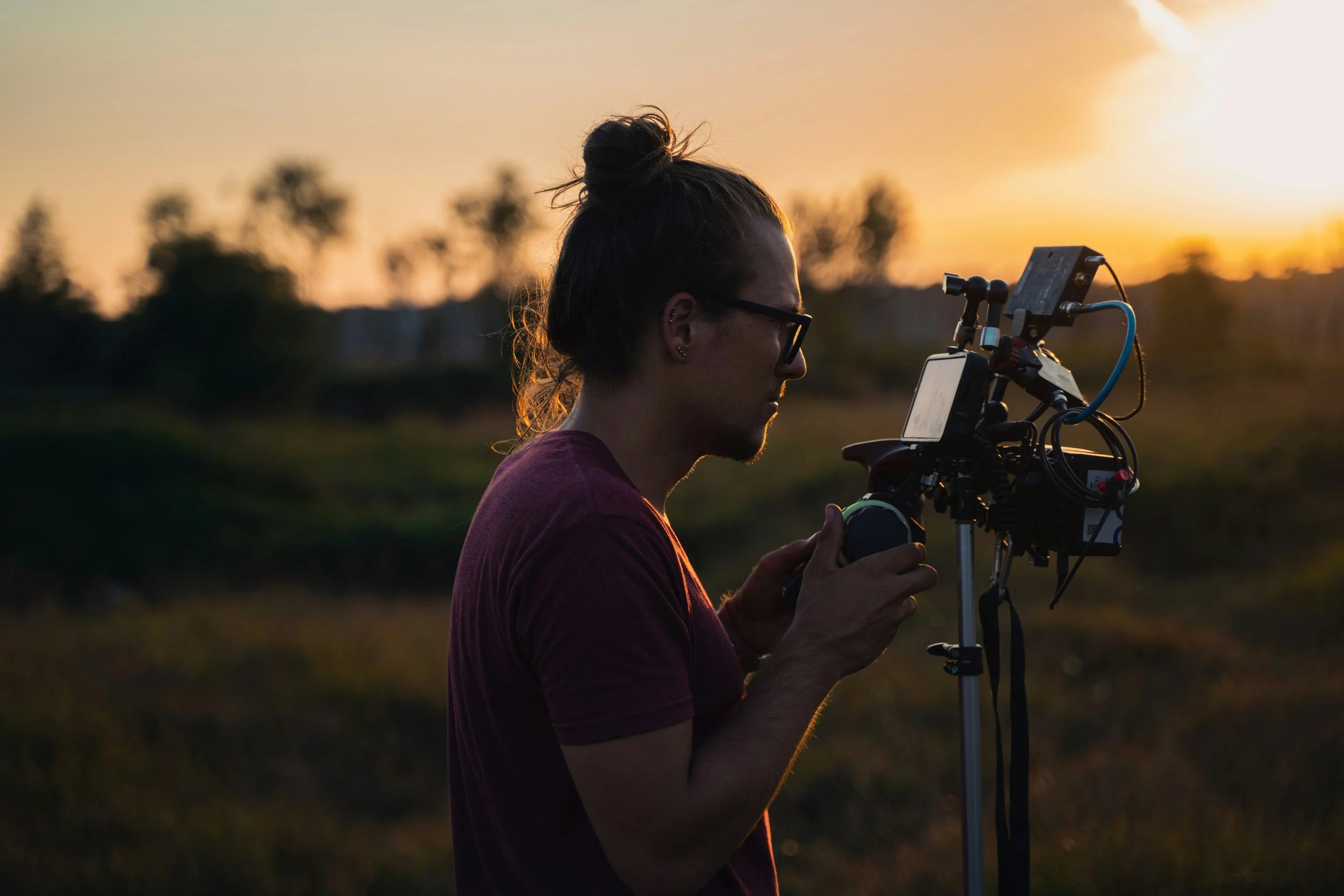
Learn From The Original Mobile Journalists
We were there at the start of content creation on mobile devices.
We were working with broadcasters, developers and app makers as this became part of mainstream production.
That experience feeds directly into this training.
The Questions You Need Answering
Is your phone good enough?
Almost certainly. Most phones just need a few simple adjustments to be ready to film properly.
Can AI edit it for you?
No. It can’t choose your best shots and it can’t build a narrative and they’re the two things that matter most.
Who are you filming for?
This is where most people go wrong. If your audience is on their phone, shoot for that. Don’t fight the platform — work with it.
The camera is already in your hand.
This is about knowing what matters - and what doesn’t.
Who It’s For
Creators
Journalists
Producers
Communications teams
Anyone who wants to improve their filming skills
Outcomes
Get your device ready to film properly
Stop overshooting
Shoot with purpose — for your audience